Cellario

What is Cellario?

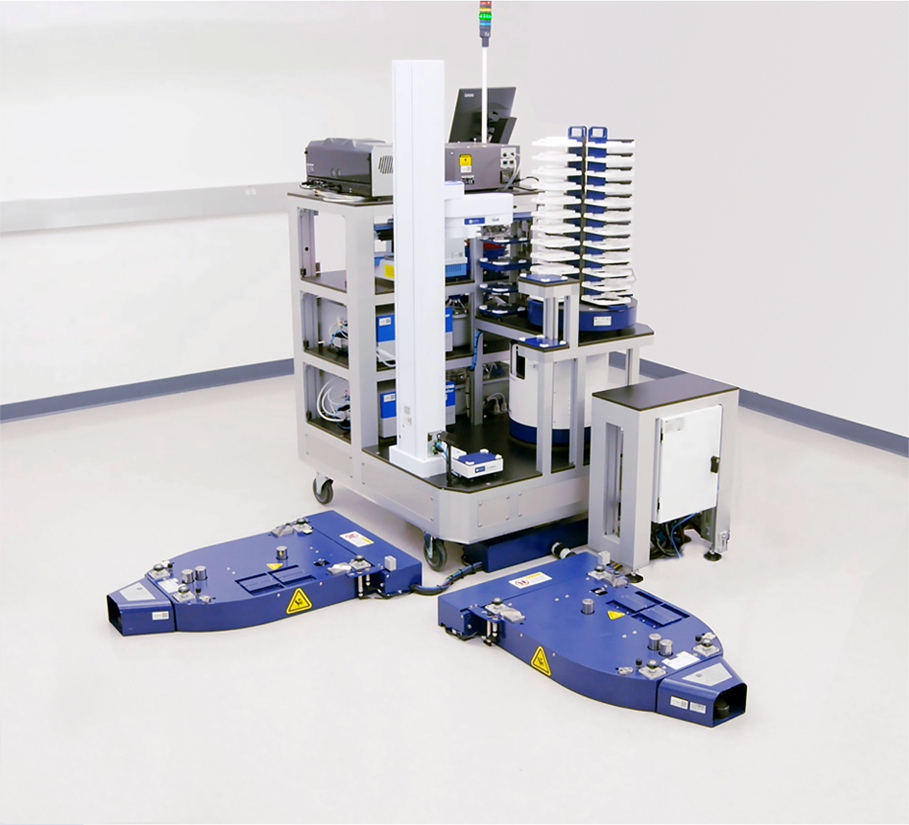
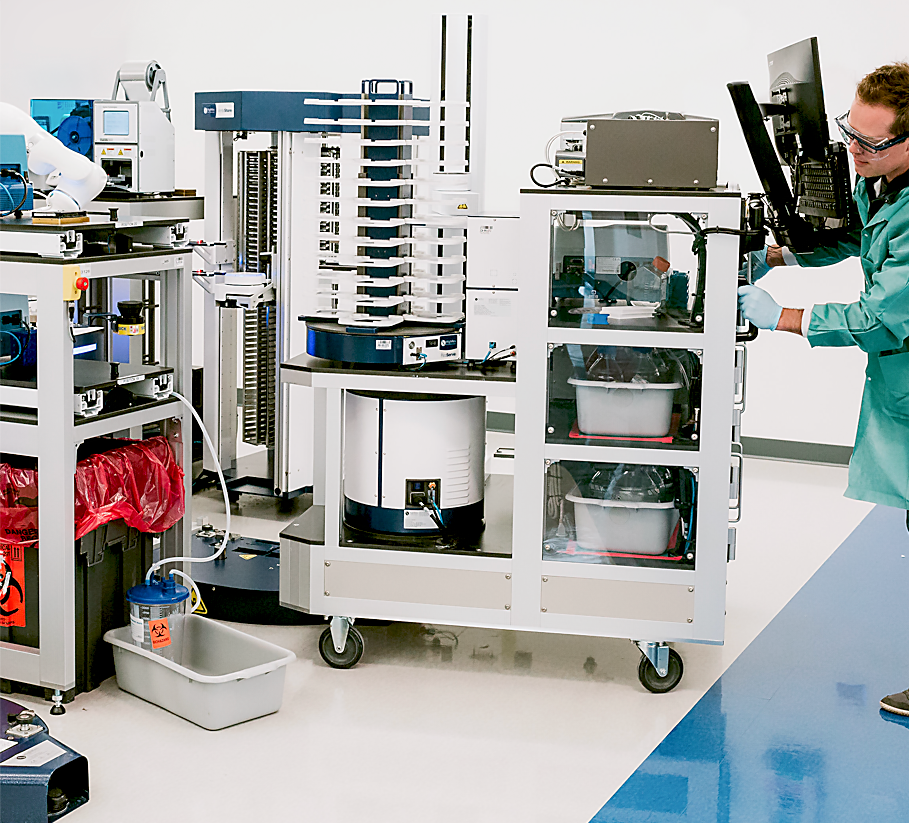
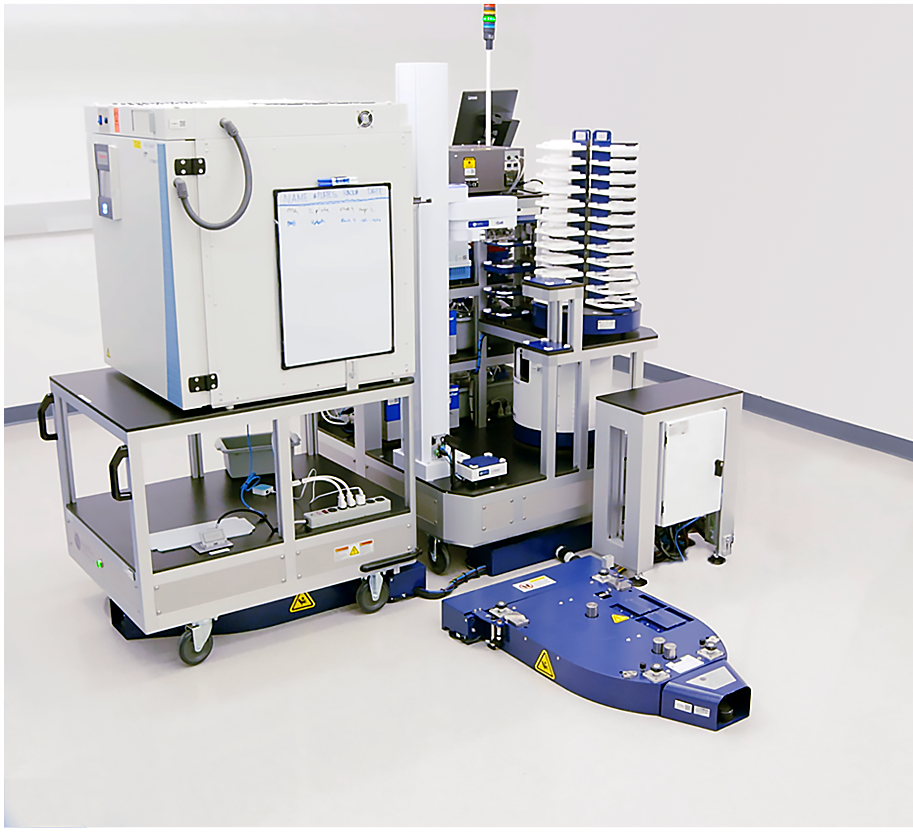
Cellario™ is a dynamic scheduling software package that controls HighRes Biosolutions’ ACell, NanoCell, TCell, and MicroStar robotic systems. Cellario integrates a wide range of lab devices to provide a single, cohesive front-end interaction point for the end user. Through protocol design, order creation, pre-run analysis and run-time control, Cellario is specifically designed to optimize the throughput, sample treatment and resource utilization of our systems.

Cellario’s scheduling algorithm is based on both resource allocation and events and can be customized to meet your needs. The software can run multiple experiments in parallel or in sequence and also features Gantt chart and fast-time simulations for detailed run analysis. Cellario is intuitive and easy-to-use. It interfaces well with your internal software both to generate orders and to trigger methods to be run, easily handling highly complex processes. The multithreading software allows for efficient cell operation and error handling, allowing a run to be recovered even if system power is lost.

How Cellario Works

Cellario is comprised of several components that allow the user to design and run automated experiments, track inventory, and capture data.

Protocol Designer

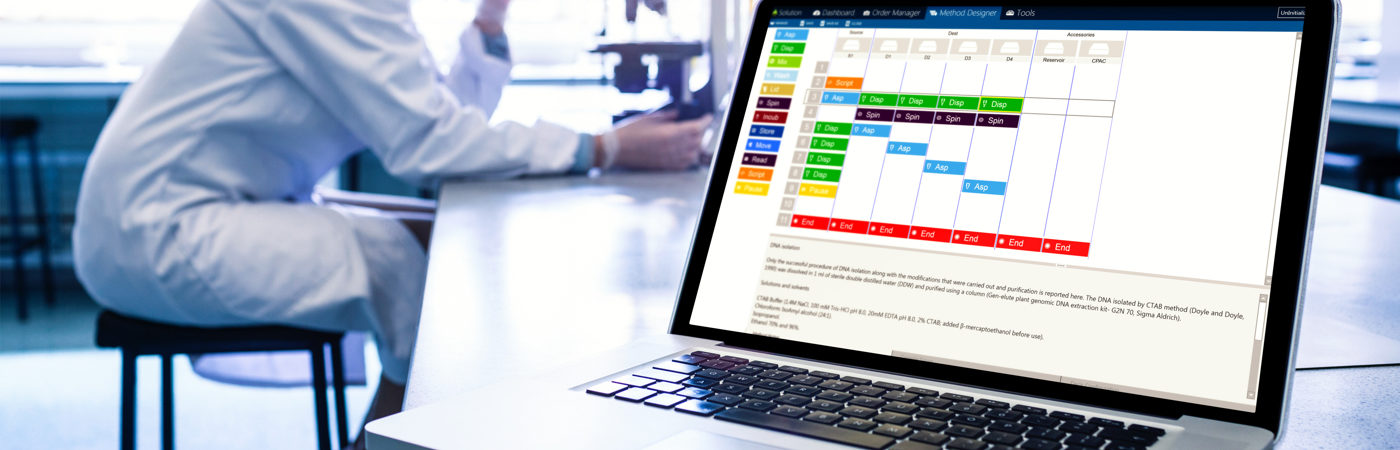
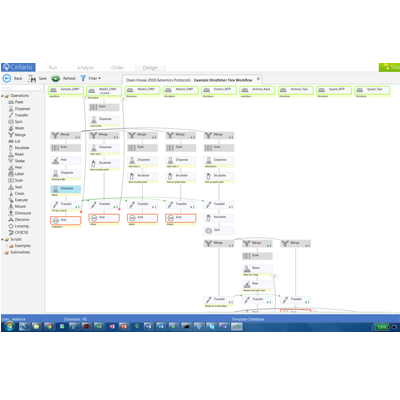
Protocol Designer allows the operator to generate a flow diagram, including all of the process steps designed by the operator. The operator simply drags an icon depicting the desired process step into the flow diagram and enters all parameters associated with the operation identified by that instrument’s device driver. The protocol designer will immediately notify the operator if an error occurs with the experiment design.

When the experiment design is complete, the operator can save the experiment, assign labware input and storage positions in the Order Designer, and then start the run on a MicroCell or MicroStar system via the Run Control interface.

Order Designer

Order Designer is used to assign plates to storage positions to start an experiment on a robotic cell. An operator can create one or more orders for a given protocol/experiment since the protocol is independent of plates. This allows the operator flexibility to launch runs with different plate configurations for the same protocol at any time.

Run Analyzer

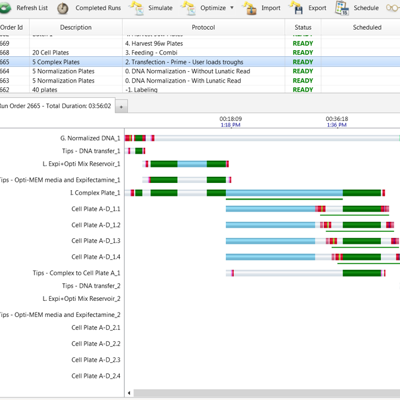
The Run Analyzer offers fast time simulation of your experiments and interactive Gantt charts to view entire run timings and critical time events. Cellario provides the ability to change critical time events and adjust pacing times for new samples that are input into the system to ensure your assays perform as planned.

Run Control

The Run Control interface allows the operator to retrieve a saved protocol and start the run in either simulation or real time mode. From the Run Control the operator can initialize the system, pause, restart and stop a given experiment. The operator can view device drivers with this interface as well.

Inventory Tracking and Data Capture

All relevant system information is captured in a SQL server database. HighRes can connect your reader output directly to your databases or track compound inventory (including plate generation history), and can customize Cellario to allow for seamless integration with your in-house LIMS system.

Device Drivers

Cellario supports most popular instruments and devices. Manual operation of instruments is also possible through device drivers in the Cellario interface.

Download the Cellario Brochure.